
PlanHero customers may connect their PlanHero account to Stripe to enable online payments.
After you have begun to accept payments (for donations, items, tickets, etc.), you may need to issue a refund.
Refunds must be issued via your Stripe dashboard. Please click here to see how to issue a Stripe refund.
Note that once the refund is issued, the person's signup in PlanHero for that item will still remain in PlanHero. An administrator or organizer will need to edit the person's signup(s) accordingly. NOTE: We do not let individuals delete/edit their own PAID signups. Only admins/organizers can do this.
Here's how:
1. Go to Signups tab
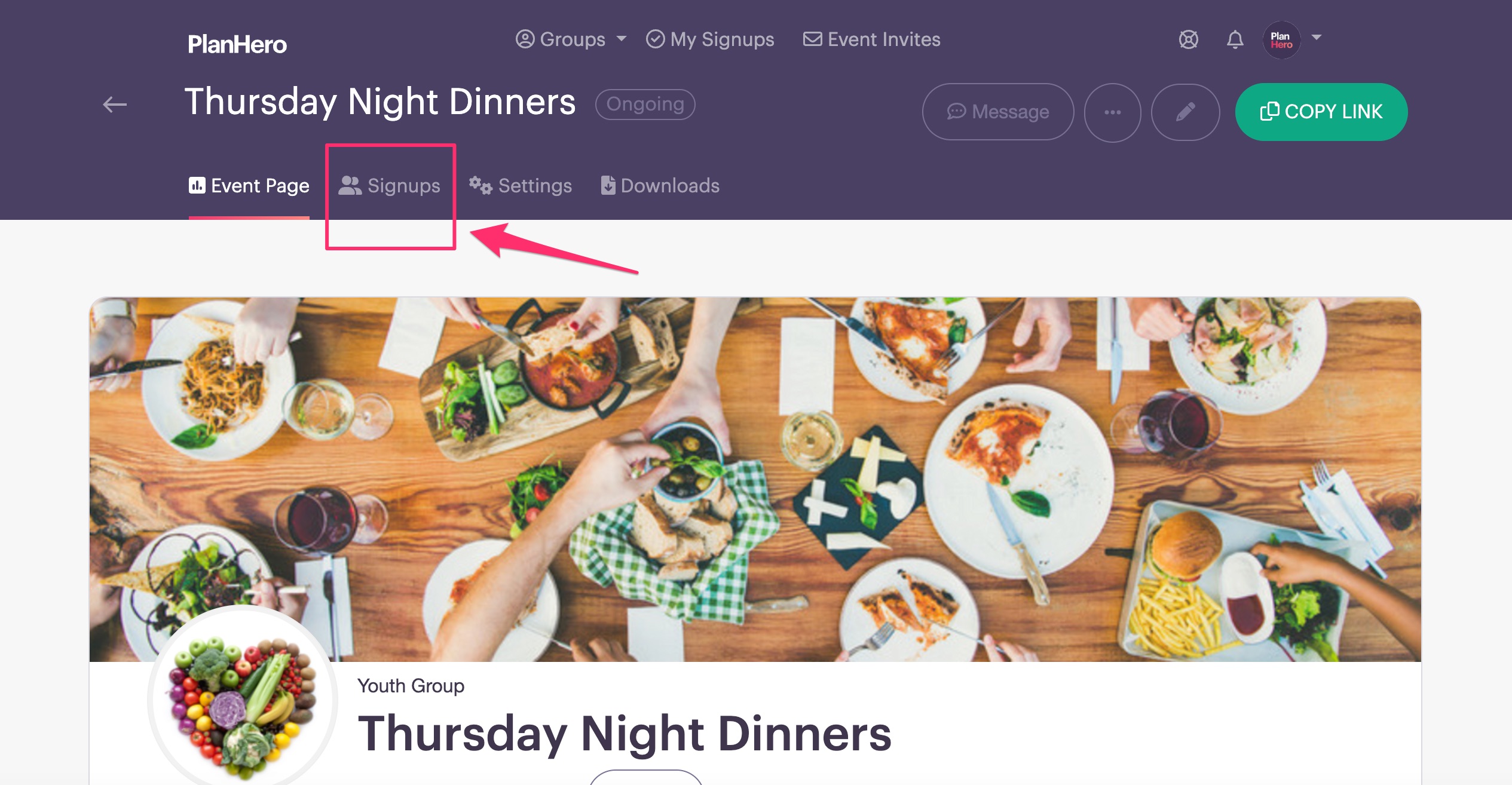
2. Find the person whose signups you wish to edit and then click on the EDIT PENCIL

3. Either decrease the number or click on the trashcan to DELETE ALL

4. Make sure you scroll down and click the Save Changes button
